
It all starts when you decide to build your own Operating System. You go through the bootloader, enter protected mode, long mode, and finally manage to draw a pixel on the screen using VESA BIOS Extensions (VBE).
You celebrate.
Then you try to clear the entire screen with a solid color and realize it’s running at a staggering 5 FPS.

And the question is… But why?
So we start investigating. VBE basically gives you a physical address of the video memory, the Framebuffer. It’s a pointer. You write the colors there and the GPU shows it on the screen.
Simple, right?
No.
The problem is that this pointer points to the card’s video memory. So when you do:
// The naive way
uint32_t* fb = (uint32_t*)graphicsManager.vbe.framebuffer_addr;
for (int i = 0; i < width * height; i++) {
    fb[i] = color;
}
you are writing directly to a memory region that doesn’t work like normal RAM.
And this is horribly slow.
Depending on how this region is configured, each write might end up taking the full memory path to the video card without the CPU being able to simply treat it as a normal cacheable RAM region.
So how do we make CPU Rendering fast without having to write a different GPU driver for every existing video card?
Here enters something very useful: MTRR (Memory Type Range Registers) and Write-Combining.
The CPU has registers that allow you to define how certain regions of physical memory should be treated.
Normally, the framebuffer is mapped as Uncacheable (UC). That is, you don’t want the CPU to treat that memory like normal RAM and put everything in the caches.
But there is another type: Write-Combining (WC).
With WC, the CPU can gather several small writes before sending the data to the device. Instead of doing one write after another on the bus, it can combine these operations into larger transfers.
And this makes an absurd difference for a framebuffer.
So in ViniciusOS, we can look for a free MTRR, calculate the mask corresponding to the framebuffer size, and configure the region as Write-Combining using wrmsr.
void force_mtrr_write_combining(uint64_t phys_addr, uint64_t size) {
    // 1. Find an empty MTRR slot (Valid bit == 0)
    int free_mtrr = -1;
    for (int i = 0; i < 8; i++) {
        uint64_t msr_val = rdmsr(0x201 + (i * 2));
        if ((msr_val & (1 << 11)) == 0) {
            free_mtrr = i;
            break;
        }
    }

    if (free_mtrr == -1) {
        serial_printf("[MTRR] FATAL: No free variable MTRRs found!\n");
        return;
    }

    // 2. Round size up to next power of 2
    uint64_t p2_size = 1;
    while (p2_size < size) p2_size <<= 1;

    // 3. Get MAXPHYADDR to prevent reserved bit faults
    uint32_t eax, ebx, ecx, edx;
    asm volatile("cpuid" : "=a"(eax), "=b"(ebx), "=c"(ecx), "=d"(edx) : "a"(0x80000008));
    uint8_t maxphyaddr = eax & 0xFF;
    uint64_t valid_address_mask = (1ULL << maxphyaddr) - 1;

    // Calculate strict contiguous mask
    uint64_t mask = ~(p2_size - 1) & valid_address_mask;
    uint32_t base_msr = 0x200 + (free_mtrr * 2);
    uint32_t mask_msr = 0x201 + (free_mtrr * 2);

    // ========================================================
    // STRICT INTEL CACHE DISABLE SEQUENCE
    // ========================================================
    asm volatile("cli");
    uint64_t cr0;
    asm volatile("mov %%cr0, %0" : "=r"(cr0));

    // Set Cache Disable (CD) and clear Not-Writethrough (NW)
    uint64_t cr0_disable_cache = cr0 | (1 << 30);
    cr0_disable_cache &= ~(1 << 29);
    asm volatile("mov %0, %%cr0" :: "r"(cr0_disable_cache));

    asm volatile("wbinvd");

    uint64_t base_val = (phys_addr & ~0xFFFULL) | 0x01ULL;
    wrmsr(base_msr, base_val);

    uint64_t mask_val = mask | (1ULL << 11);
    wrmsr(mask_msr, mask_val);

    asm volatile("wbinvd");
    asm volatile("mov %0, %%cr0" :: "r"(cr0));
    // asm volatile("sti");

    serial_printf("[MTRR] Write-Combining active on MTRR %d!\n", free_mtrr);
}
This already solves a huge part of the problem.
But in ViniciusOS we don’t draw directly to the framebuffer all the time.
We use Double Buffering.
In other words, there is a buffer in normal RAM where the CPU does all the rendering. When we finish drawing the frame, we copy the entire buffer to the framebuffer.
It looks something like this:
CPU
 ↓
Back Buffer (RAM)
 ↓
full copy
 ↓
Framebuffer (VRAM)
 ↓
Screen
And here appears another problem.
You could simply use memcpy().
You could use rep movsb.
It works.
But we are trying to squeeze every last drop of performance out of this, so we can use AVX and Non-Temporal Stores.
AVX gives us 256-bit YMM registers, so we can load 32 bytes per instruction.
And with vmovntdq, the idea is to do a Non-Temporal write. The CPU doesn’t need to put these data into the caches as it would with a normal write, because we basically know these pixels won’t be read immediately by the CPU again.
This pairs really well with the framebuffer configured as Write-Combining.
So the copy looks like this:
__attribute__((target("avx")))
void fast_framebuffer_copy(void *dest, const void *src, uint32_t size_in_bytes) {
    // Process 256 bytes (8 YMM registers) per loop iteration
    uint32_t chunks = size_in_bytes / 256;
    uint32_t remainder = size_in_bytes % 256;

    uint8_t *d = (uint8_t *)dest;
    const uint8_t *s = (const uint8_t *)src;

    if (chunks > 0) {
        asm volatile (
            "1:\n\t"
            // Pulls Back Buffer memory before we need it.
            "prefetcht0 512(%1)\n\t"

            // READ 256 bytes from System RAM
            "vmovdqu 0(%1), %%ymm0\n\t"
            "vmovdqu 32(%1), %%ymm1\n\t"
            "vmovdqu 64(%1), %%ymm2\n\t"
            "vmovdqu 96(%1), %%ymm3\n\t"
            "vmovdqu 128(%1), %%ymm4\n\t"
            "vmovdqu 160(%1), %%ymm5\n\t"
            "vmovdqu 192(%1), %%ymm6\n\t"
            "vmovdqu 224(%1), %%ymm7\n\t"

            // WRITE 256 bytes
            "vmovntdq %%ymm0, 0(%0)\n\t"
            "vmovntdq %%ymm1, 32(%0)\n\t"
            "vmovntdq %%ymm2, 64(%0)\n\t"
            "vmovntdq %%ymm3, 96(%0)\n\t"
            "vmovntdq %%ymm4, 128(%0)\n\t"
            "vmovntdq %%ymm5, 160(%0)\n\t"
            "vmovntdq %%ymm6, 192(%0)\n\t"
            "vmovntdq %%ymm7, 224(%0)\n\t"

            "add $256, %0\n\t"
            "add $256, %1\n\t"

            "dec %2\n\t"
            "jnz 1b\n\t"
            : "+r"(d), "+r"(s), "+r"(chunks)
            :
            : "ymm0", "ymm1", "ymm2", "ymm3",
              "ymm4", "ymm5", "ymm6", "ymm7", "memory"
        );
    }

    // Handle the remaining bytes
    if (remainder > 0) {
        asm volatile ("rep movsb"
            : "+D"(d), "+S"(s), "+c"(remainder)
            :
            : "memory");
    }

    // asm volatile("sfence" ::: "memory");
    asm volatile("vzeroupper" ::: "memory");
}
The prefetcht0 here serves to try and pull data from the Back Buffer into the cache before we need it. After all, we’re reading normal RAM, so it makes sense to let the CPU prepare this data while continuing its work.
And we process 256 bytes per iteration using the eight YMM registers.
So instead of doing one small copy after another, the CPU loads a large chunk of pixels, sends it to the framebuffer, and repeats.
And that is basically how you get CPU Rendering working decently in a newborn Operating System.
You don’t need a programmable 3D GPU.
You don’t need to write a monstrous driver for every existing GPU.
You have a framebuffer, normal RAM, some SIMD instructions, and a CPU doing the heavy lifting.
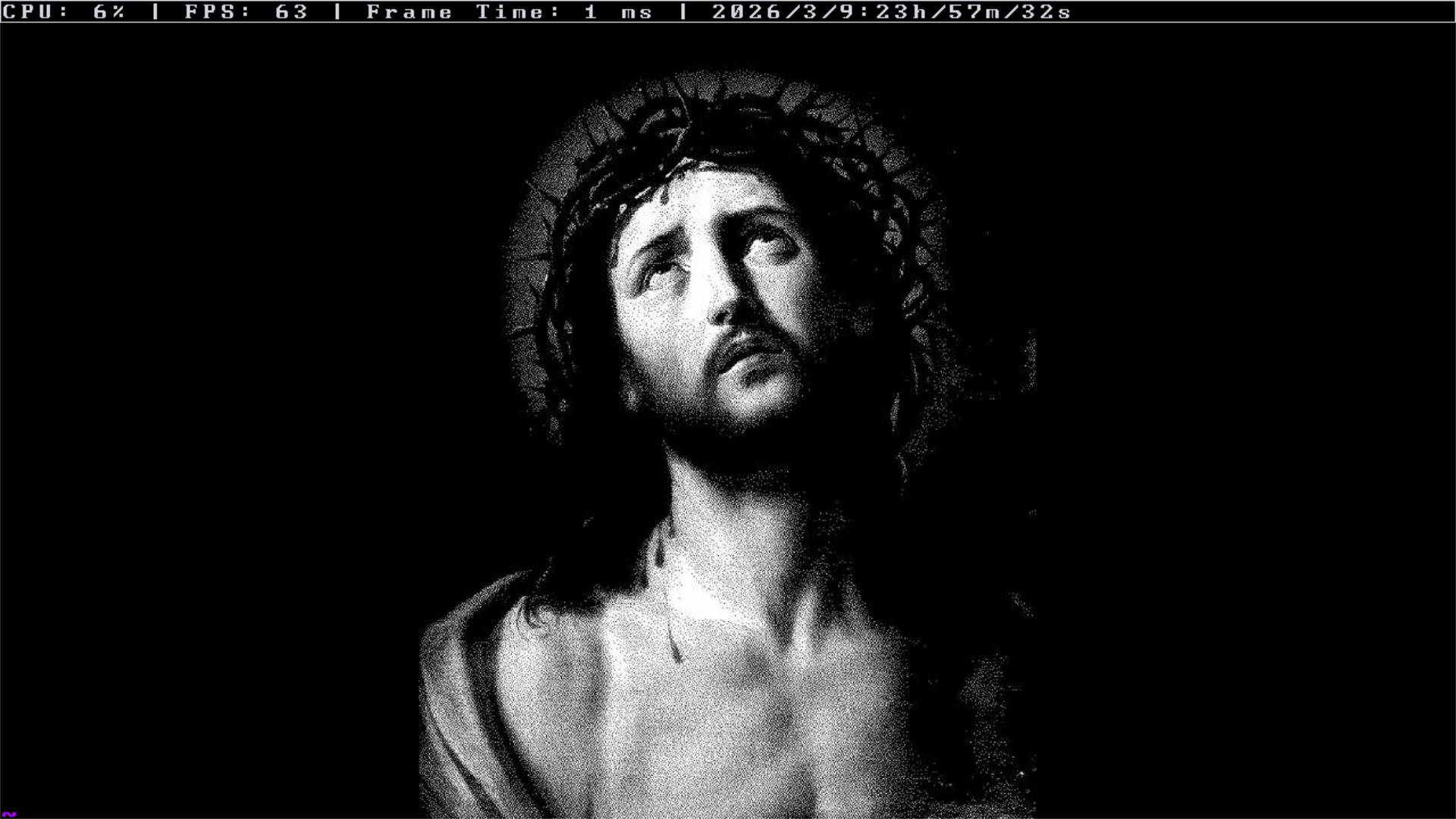
In the end, what was once running at 5 FPS is now able to maintain a stable 60 FPS at native resolution.
Not bad for an operating system that was just born.